Core Manufacturing Capabilities: Production Planning and Shop Floor Control
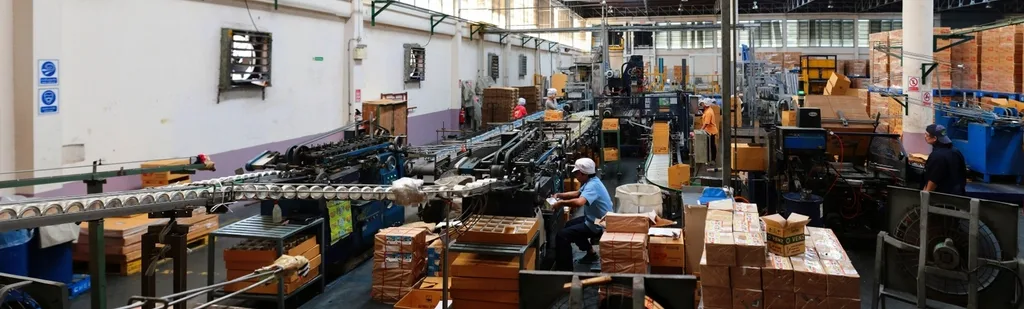
Both platforms will run a make-to-stock manufacturing operation without embarrassing you. The differences show up once you get past the demo and into the messy reality of a shop floor with five work centers, three shifts, and a maintenance guy who calls in sick during the busiest week of the quarter.
SAP Business One's Production module is built on the assumption that you already know what MRP is supposed to do, because it was designed by people who came out of the SAP ecosystem where that's a given. Bills of materials, backflushing, work order costing — it's all there, and it's been there for two decades. What it doesn't do natively is give shop floor operators a tablet-friendly interface for reporting output against a work order. That's typically an add-on, sourced through the SAP partner ecosystem (B1's SDK-based add-on marketplace), and it's an extra negotiation, an extra invoice, and an extra vendor to manage when something breaks.
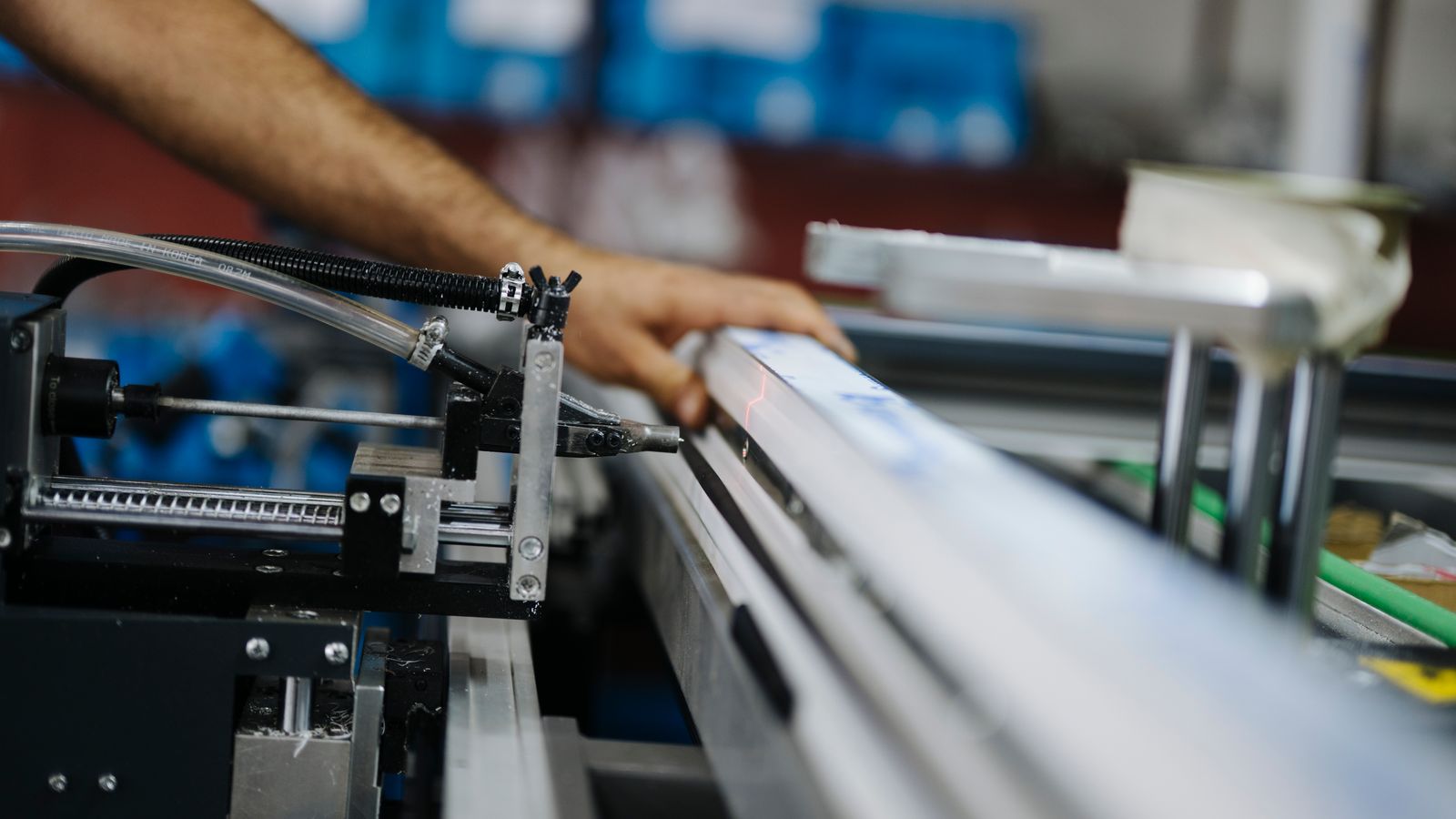
Odoo's Manufacturing app (MRP) does the shop floor tablet interface out of the box — barcode scanning, work order tracking by workstation, quality checkpoints attached to routing steps. For a mid-market manufacturer running discrete assembly with 8 to 40 work centers, that native tablet UI is often the difference between operators actually logging time in real time versus filling out paper travelers that get keyed in three days later. Odoo also ships native Manufacturing Resource Planning (MPS — Master Production Schedule) inside the same app, which matters if your planner currently works from a spreadsheet that nobody else in the building can open.
Where SAP Business One pulls ahead: complex multi-level BOMs with heavy engineering-change control, and process manufacturing with batch genealogy requirements that go back generations of components. If you're in pharma-adjacent or food-safety-critical production with strict lot traceability obligations, B1's maturity in that specific area — refined over 20-plus years of process manufacturing implementations — is not something Odoo's manufacturing app has fully caught up to, even with the lot/serial valuation improvements Odoo shipped in version 18.
Total Cost of Ownership: Implementation Spend and Hidden Expenses
SAP Business One is sold exclusively through partners, licensed per named user, with an annual maintenance fee that typically runs 18-20% of your license cost — every year, whether you open a support ticket or not. A 25-user manufacturing implementation with Production, Warehouse Management, and a basic BOM/routing setup commonly lands in the $80,000-$150,000 range for licenses and implementation services before you've added a single custom report. That's a real number range, not a worst case — ask three different B1 VARs for a quote on the same scope and you'll see it move around inside that band depending on region and add-on stack.
Odoo's Community edition is free, and Enterprise is priced per app, per user, per month — no license purchase, no annual maintenance percentage. That sounds like a clean win, and for a lean 15-person shop it often is. But the hidden cost in Odoo implementations isn't licensing. It's the tendency of internal champions to say "let's just customize this a little" seventeen times during a project, each one small, none of them free, and the sum of them turning a six-week go-live into a five-month one. We've walked into more than one Odoo project where the client's in-house developer had built four custom modules to replicate functionality that shipped standard two versions later.
The honest comparison: SAP Business One front-loads cost into licensing and maintenance you can forecast on a spreadsheet. Odoo front-loads risk into scope creep you can't forecast unless someone experienced is actively saying no to feature requests during discovery. Budget for a fixed-fee implementation with a hard scope document, not a time-and-materials contract with an open backlog, regardless of which platform you pick.
Customization and Flexibility: When You Need to Adapt the System
SAP Business One customization happens through its SDK — either the classic DI-API or the newer Service Layer (REST-based) — and it works, but it requires a developer who knows B1 specifically. That's a narrower talent pool than generic web development, and it shows up in day rates. Upgrades are also a real event in a B1 environment with custom add-ons: your partner needs to certify that every add-on still functions after a version bump, which is exactly the kind of testing cycle that gets skipped under deadline pressure and comes back to bite you eight months later.
Odoo is built on Python and PostgreSQL, with a module architecture (inherited from the older OpenERP framework) that lets a competent developer extend almost anything — a field on a form, a new approval workflow, an entire new business object — without touching core code. This is Odoo's actual competitive advantage over SAP Business One. A manufacturer with an unusual costing requirement, a regulatory reporting format specific to their state or country, or a quirky approval chain that reflects how the owner actually wants the business run can get that built by any Python developer, not just a certified partner.
The cost of that flexibility is discipline. Because Odoo makes customization easy, it's easy to over-customize, and an over-customized Odoo instance becomes just as brittle and just as expensive to upgrade as a heavily modified SAP B1 instance — arguably more so, because there's no partner gatekeeping the change the way B1's certification process forces. If your team can't resist "just one more custom button," Odoo's flexibility becomes a liability rather than an asset.
Supply Chain Visibility: From Purchase Order to Delivery
This is where a lot of manufacturers actually feel the difference day to day, because it's not about the manufacturing module — it's about what happens before and after it.
Odoo's inventory valuation has closed a real gap here. Landed costs — freight, duty, insurance — are applied after a receipt is validated, creating a valuation adjustment layer that retroactively updates the received stock's cost. That timing matters: apply landed costs before the goods move out the door in a sale or get consumed on a work order, and your margin reporting stays accurate. Apply them late, after inventory has already turned, and you're chasing cost corrections through your P&L for a quarter. (See Odoo's own documentation on [landed costs](https://www.odoo.com/documentation/18.0/applications/inventory_and_mrp/inventory/product_management/inventory_valuation/landed_costs.html) for how the adjustment layers work.)
Odoo 18 also added inventory valuation by lot and serial number, which is the real fix for manufacturers who've been complaining for years that standard costing forces every unit onto the same fixed cost regardless of what that specific batch actually cost to produce or acquire. If your raw material pricing swings meaningfully between lots — metals, resins, anything commodity-linked — that per-lot precision is worth checking against your current version before you assume you're stuck averaging everything together.
SAP Business One's supply chain visibility strength is in its native handling of multi-warehouse, multi-currency purchasing scenarios for companies already running international operations — it was built by a company that has always thought in terms of multinational subsidiaries. If you're a US manufacturer with a sourcing office in Shenzhen and a distribution warehouse in Rotterdam, B1's multi-currency and intercompany handling is more battle-tested out of the box than Odoo's, which can get there but usually needs configuration work to match.
One practical note for anyone switching costing methods in either platform: in Odoo, changing a product category from FIFO to standard costing (or the reverse) is a prospective change. It applies going forward and does not recalculate your historical valuation entries. That's a feature, not a bug, but it means you need a clean cutover date and a plan for what happens to open work orders straddling that date.
User Adoption and Support: Implementation Timeline and Team Ramp-Up
A 40-person manufacturer switching from QuickBooks and a paper-based shop floor to either platform should plan for 3 to 5 months to go live with core financials, inventory, and manufacturing — assuming decent data cleanliness going in and a client-side project lead who can actually make decisions without a committee. Anyone who quotes you six weeks for that scope is either underscoping the project or planning to bill you for the difference later.
SAP Business One's implementation partners tend to run more structured, milestone-heavy projects, largely because B1 partners are certified and follow SAP's own implementation methodology. That structure is a genuine advantage for a first-time ERP buyer who wants guardrails. It's a genuine disadvantage for a business that needs to move fast or pivot scope mid-project, because the methodology resists improvisation.
Odoo implementations vary enormously by partner quality, because Odoo's partner network is far larger and far less uniformly vetted than SAP's. A good Odoo partner will run a disciplined, scoped project. A bad one will let scope balloon and hand you a half-finished instance six months later. There is no substitute for checking a partner's actual manufacturing go-lives, not their slide deck of logos.
One adoption note worth flagging, since it gets misrepresented a lot: Odoo 18's "native passkey" feature is an administrative tool, not a shop-floor login upgrade. It lets an admin log in using another user's credentials for support purposes — it isn't WebAuthn-based biometric or hardware-key login for your operators ([source](https://www.sdlccorp.com/post/passkey-authentication-in-odoo-18/)). If you want fingerprint or security-key login at a shared terminal on 18, that requires custom module work or third-party configuration. True native WebAuthn user login arrives in Odoo 19. Check your version before you promise the shop floor a passwordless workflow.
Real Manufacturing Scenarios: Which Platform Fits Your Operation
- A 60-person contract electronics manufacturer with complex, engineering-change-heavy BOMs and strict lot genealogy requirements for aerospace customers: SAP Business One's process manufacturing maturity and partner ecosystem depth for regulated industries make it the safer choice, even at the higher TCO.
- A 25-person injection-molding shop running standard costing, single-currency, with an owner who wants a custom approval workflow for tooling change requests: Odoo wins on cost and flexibility, provided the implementation partner enforces scope discipline.
- A multinational manufacturer with subsidiaries in three currencies and an existing SAP ECC or S/4HANA installation upstream: SAP Business One's native alignment with the broader SAP ecosystem reduces integration friction that Odoo would otherwise require custom connectors to solve.
- A fast-growing manufacturer that expects to double headcount in 18 months and needs to add new modules (CRM, field service, e-commerce) without renegotiating a license: Odoo's per-app, per-user pricing scales more predictably than adding named-user licenses and new SAP add-on contracts.
- A manufacturer with commodity-linked raw materials where lot-level cost accuracy drives real margin decisions: Odoo 18's lot/serial valuation is the more direct fit; confirm your version before assuming standard costing is your only option.
Neither platform is the universally correct answer, and anyone telling you otherwise is selling one of them.